I just downloaded and flashed Debian 12 base for Le Potato (debian-12-base-arm64+aml-s905x-cc.img.xz). I want to SSH to the board since I don’t have a keyboard and display to connect to it (so, I want to use the board in headless mode).
The board seems to start up since I see the blue LED “hearbeating” at a rate of 1Hz.
However, if I try to connect through Putty, I get a “connection refused”.
Is it possible to start up headless? Is the SSH server running by default? How to connect to it?
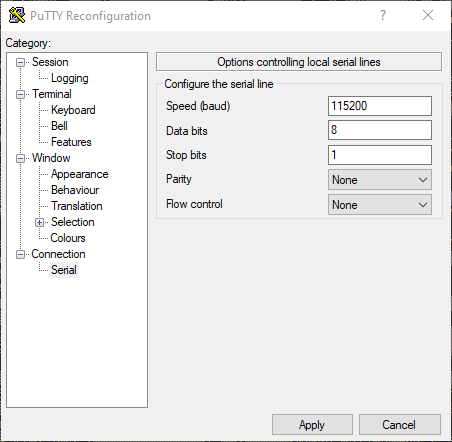
As Librecomputer mentioned, you are using a USB to RS232 cable. While this is a serial port, RS232 uses +/15V for the logic levels, while the aml-s905x-cc uses 3.3v logic levels for all GPIO including its UART interface. You can damage the board by supplying 15v though the RS232 adaptor, and even if you only connected RXD, it probably won’t detect anything whatsoever coming from the board, as the voltage is not large enough to reach the logic levels of the converter.
Then the kernel starts and overwrites the first three lines with:
EFI stub: Booting Linux Kernel...
EFI stub: Using DTB from configuration table
EFI stub: Exiting boot services...
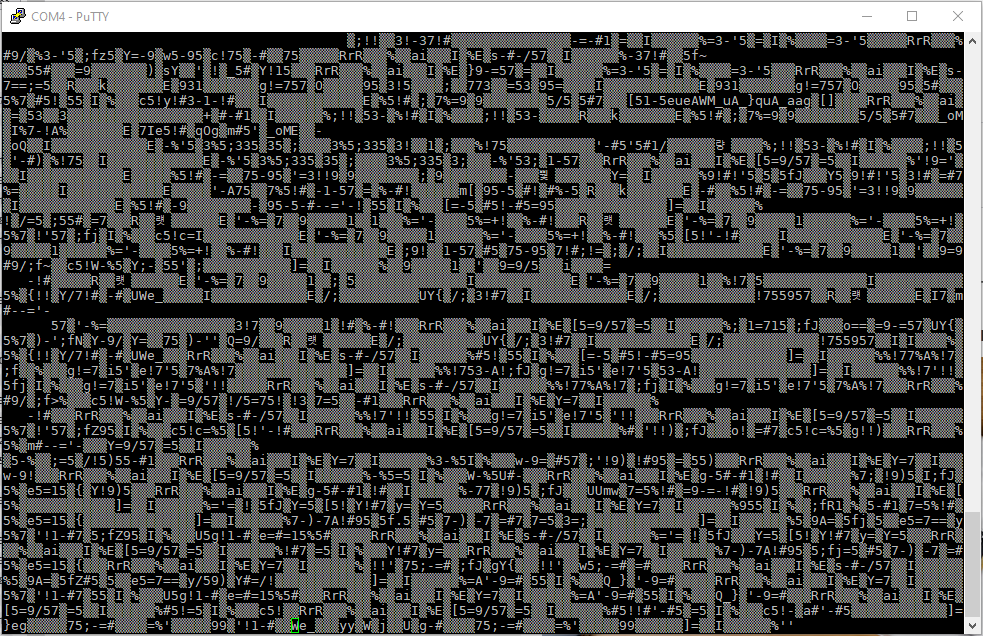
After that the screen gets cleared and all the output goes to the first line only(?) - as if there were no newline (\n) at the end of each string. And then the board resets
Am I using the wrong image?
UPD: power supply is definitely not an issue - I’m powering a 65W laptop from this thunderbolt docking station. SD is 512gb samsung pro plus (A2 / V30) from amazon - from the list of the recommended sd cards..
UPD2: ok, apparently the thunderbolt connection is causing this - the board boots fine with the ‘regular’ usb-c power supply from the same dock
This was posted over 3 months ago, I don’t think there will ever be an update. seems like they don’t care about their customers to be honest. I need debian 13 for a project i was wanting to do with my le potato but it seems that i wont be able to do it for now.

 - the board boots fine with the ‘regular’ usb-c power supply from the same dock